Abstract
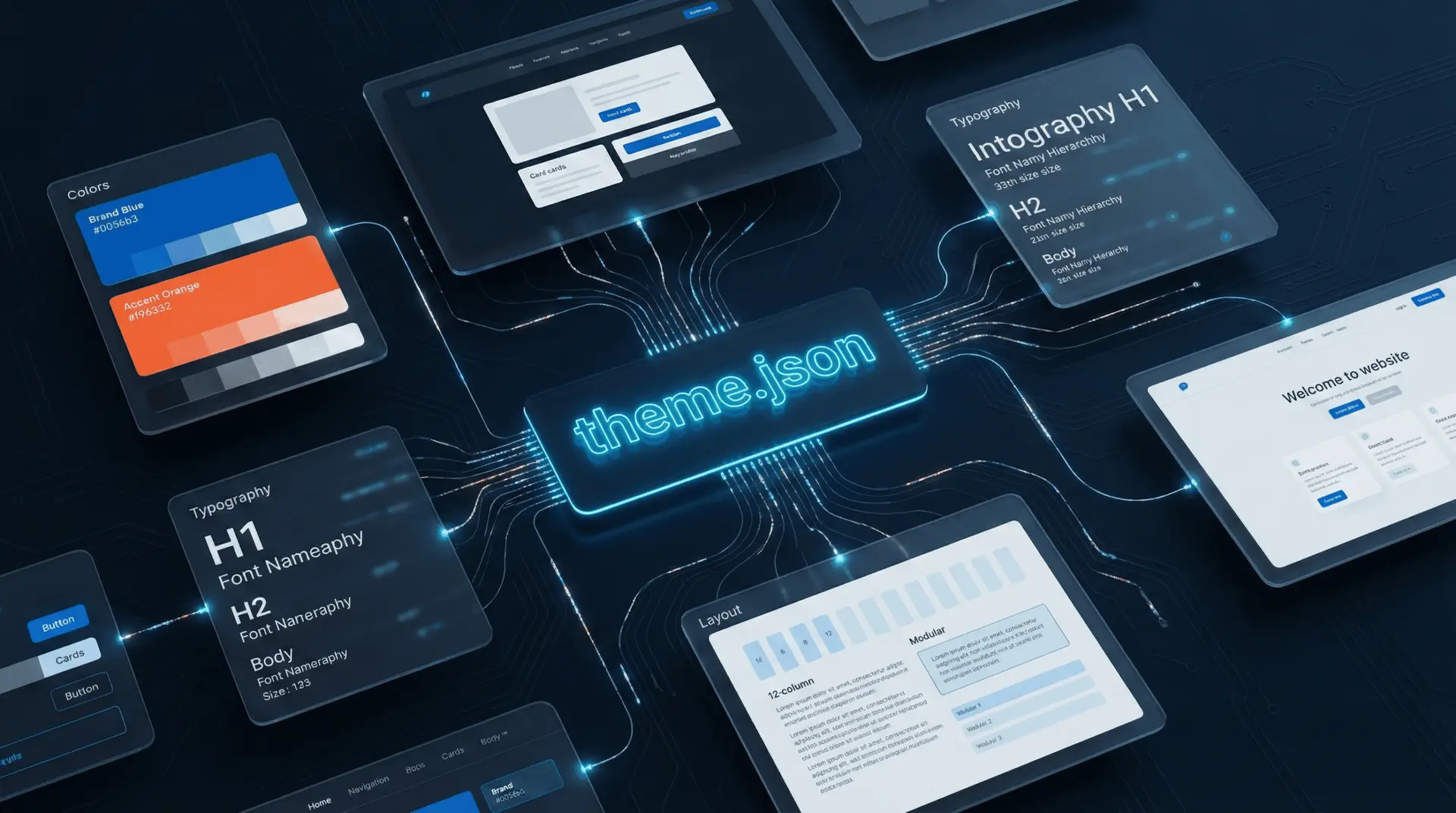
theme.json is the configuration engine that powers modern WordPress Block Themes (Full Site Editing). It acts as a consolidated design system API, replacing the scattered CSS files and PHP add_theme_support calls of the classic era. This chapter explores how to leverage theme.json to enforce design consistency, register custom block styles, and integrate reusable block patterns.
The Configuration Hub
Located in the theme’s root directory, theme.json controls the settings available to the user and the default styles applied to the site. It automatically generates CSS Custom Properties (Variables) for the palette, layout, and spacing, ensuring a unified design language.
Controlling the Interface
The settings section determines what controls are visible in the Site Editor.
- Palette Restriction: By defining a palette array and setting custom: false, a developer can prevent users from selecting any color outside the approved brand guidelines.
- Typography: Developers can define fluid font sizes that scale automatically with the viewport, using clamp() functions generated by WordPress core.
Example: Locking Down Design
{
  "version": 3,
  "settings": {
    "color": {
      "custom": false,
      "palette":
    },
    "typography": {
      "fontSizes":
    }
  }
}
Custom Block Styles
Beyond global defaults, theme.json allows for granular styling of specific blocks via the styles property. This eliminates the need for separate CSS files for simple modifications. You can also register Block Variations (styles) directly in JSON.
Example: Red-Bordered Image Variation
"styles": {
  "blocks": {
    "core/image": {
      "variations": {
        "alert-border": {
          "border": { "color": "#ff0000", "width": "5px", "style": "solid" }
        }
      }
    }
  }
}
This configuration registers a style named “alert-border” that appears in the editor’s sidebar. When selected, the styles are applied automatically, without any PHP registration required.
Pattern Integration
The patterns property allows themes to curate a library of layouts from the WordPress Pattern Directory. By simply listing pattern slugs (e.g., hero-banner-with-overlap), the theme makes these complex layouts available in the inserter.33 This feature transforms the theme from a visual skin into a comprehensive design toolkit, empowering users to build complex pages using pre-approved, responsive components.